Secure Asset Received
You have received a secured, forensic-grade asset protected by ProofLock Courier.
This file is locked with Identity-Decoupled Encryption. To verify its chain of custody and decrypt it, you must use the ProofLock App. This ensures Chain of Custody—mathematical proof that the file you receive is identical to the file that was sent, with full auditability and tamper-proof verification.
How to Open Your Secure Asset
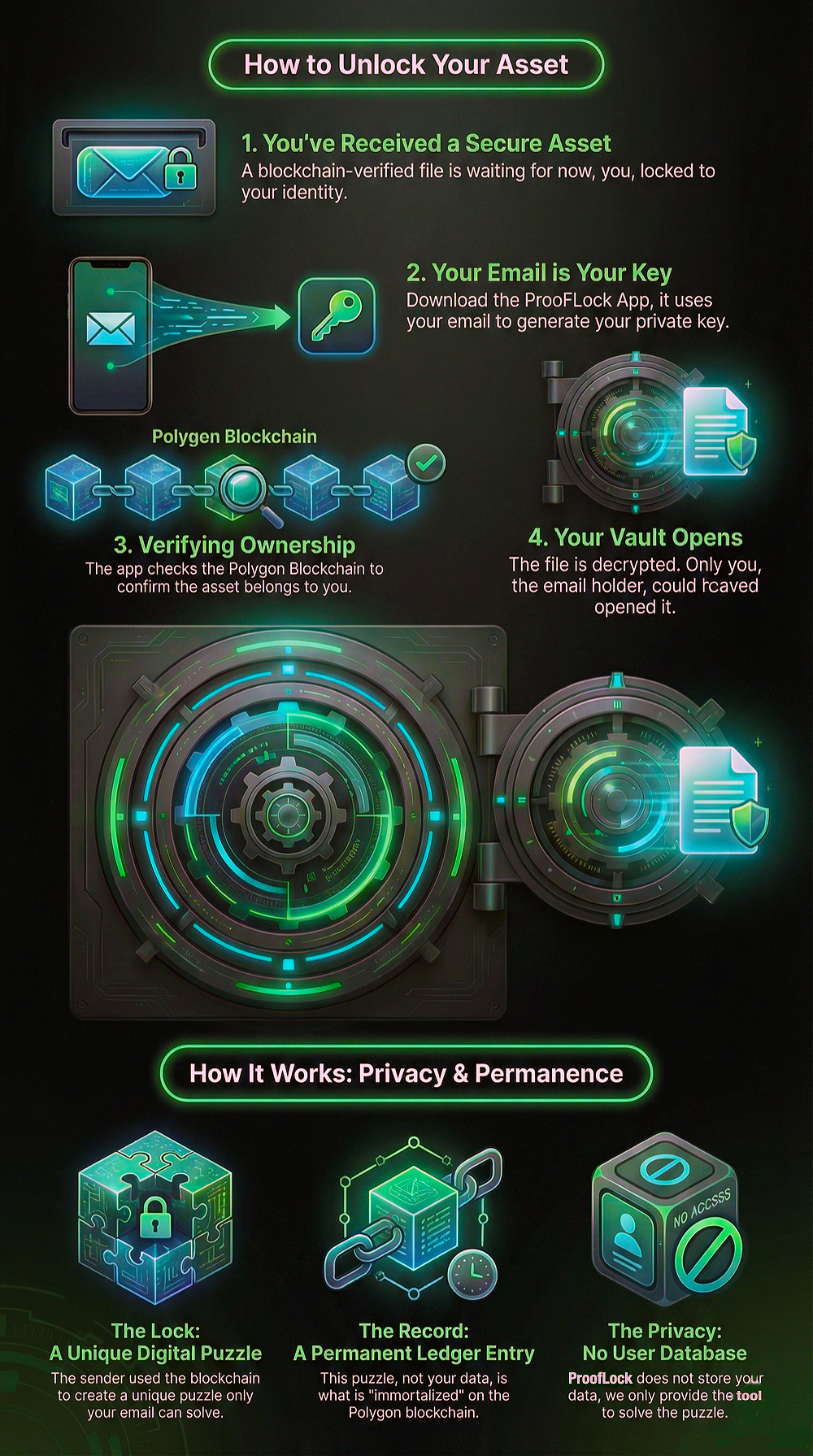
Verify & Decrypt
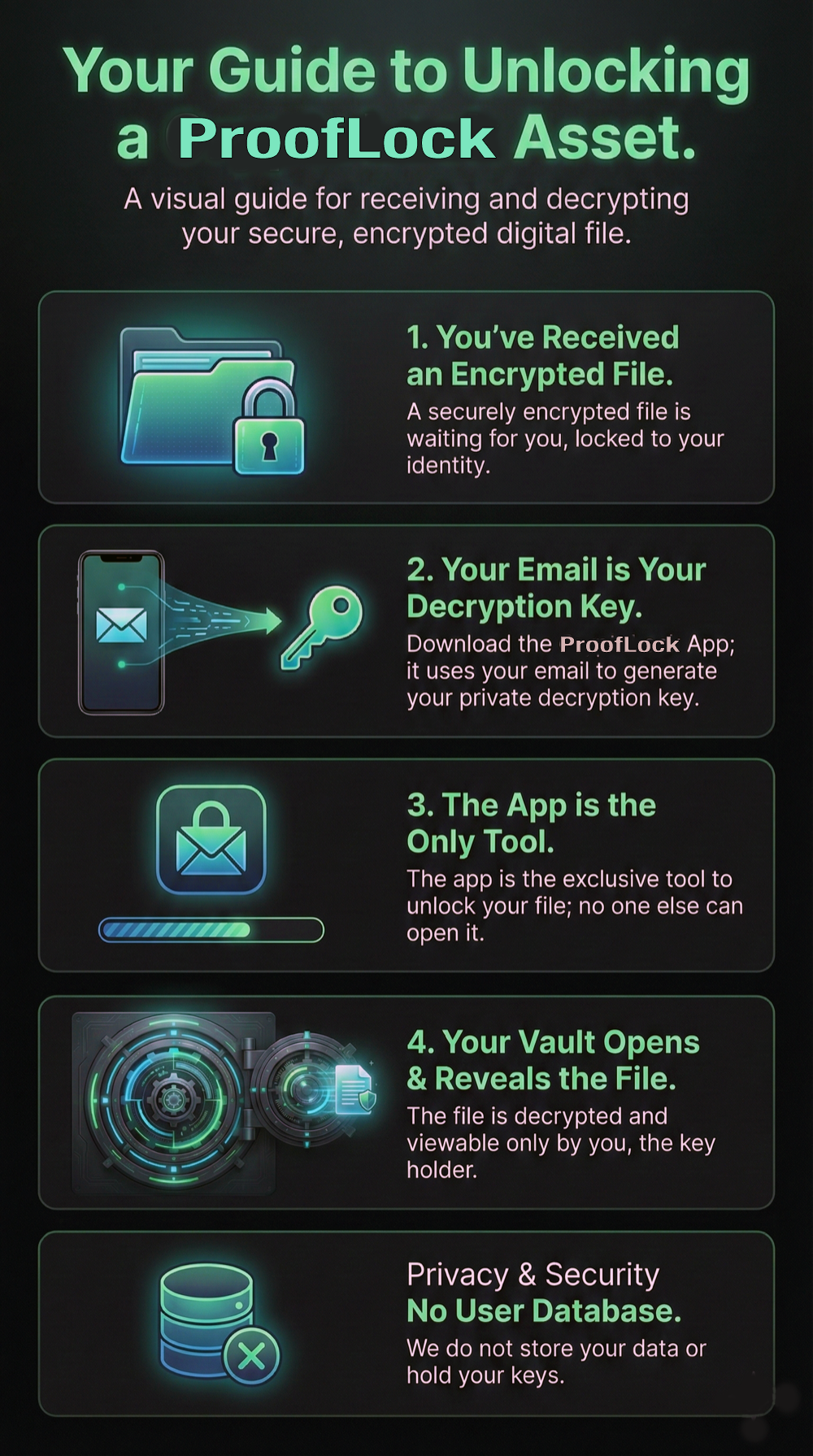
Secure Access
Get Started with ProofLock
Download the ProofLock App to unlock your secure asset and experience forensic-grade digital certainty.